


Image Cleaner for Magento 2
Over time, every Magento store fills up with orphan images — old product and category photos that stay on your server long after the product or category itself has been deleted or updated. Image Cleaner scans your pub/media/catalog directories, compares them against your live product and category records, and lists every unused image in one clean grid — so you can free up server space and keep your store running fast, in a couple of clicks.
Key Features
- Scans and lists orphan product images
- Scans and lists orphan category images
- Bulk or single-image delete from a simple admin grid
- Export the full orphan image list to CSV before deleting
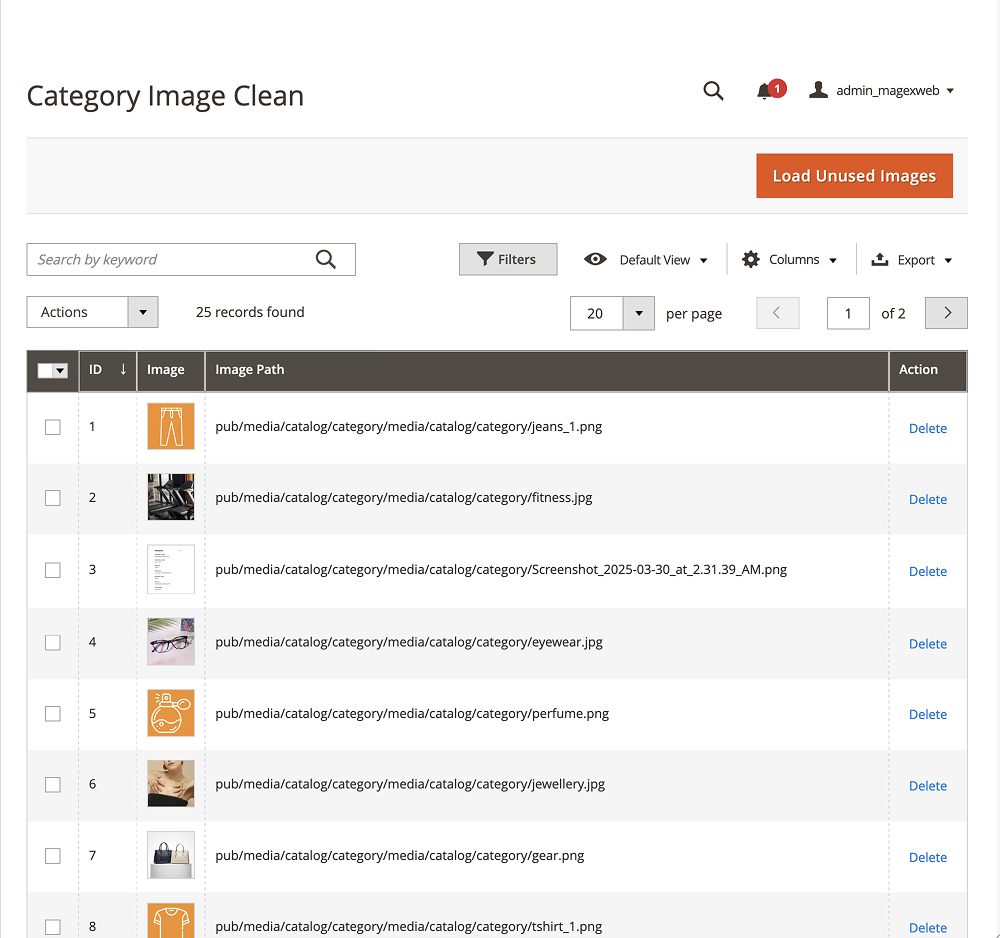
Category Image Cleaner
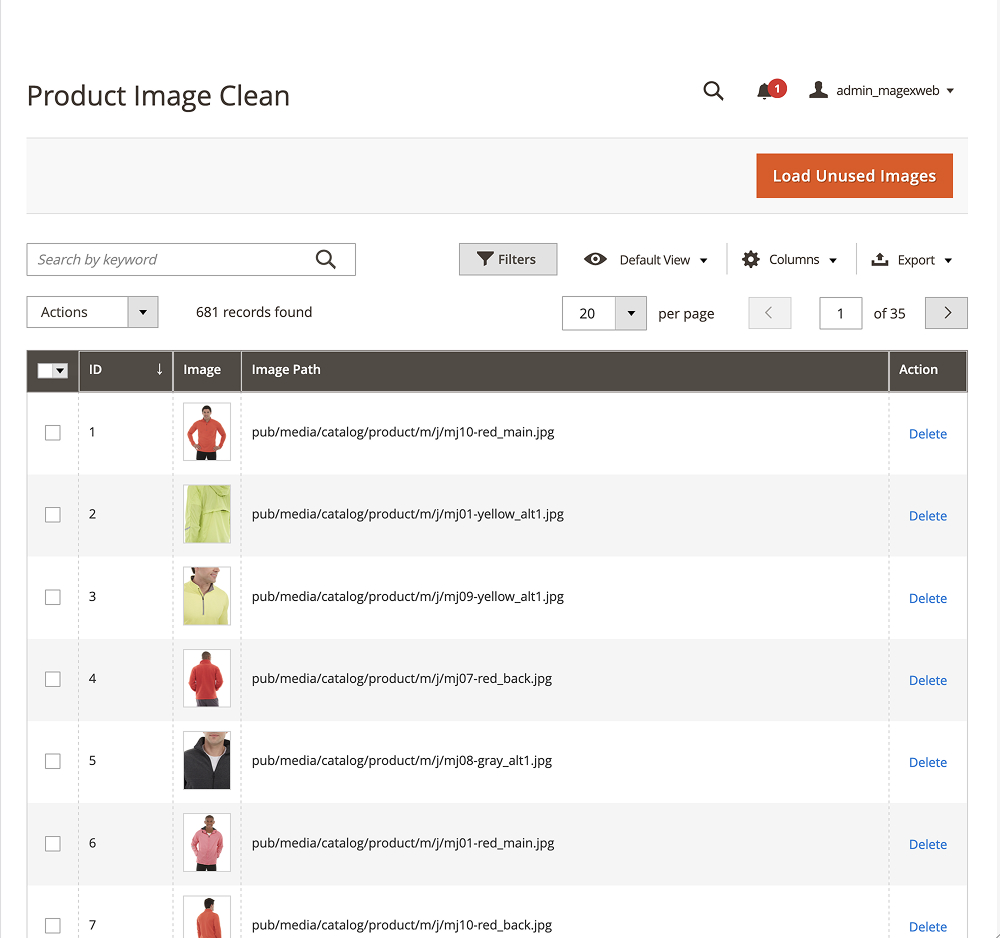
Product Image Cleaner


Image Cleaner Magento 2 Extension Functionality
Stop letting unused images eat up your server space. Magento never automatically deletes product or category images when you remove or update a product — those files simply stay behind in pub/media/catalog/product and pub/media/category, quietly growing month after month. On a store with thousands of products, that can add up to gigabytes of dead weight, slower backups, and unnecessary hosting costs.
Image Cleaner takes the guesswork out of cleanup. Open the extension grid and click Load Unused Images — it scans every image file in your catalog and category media folders, cross-checks each one against your actual product and category database records, and lists only the images that no longer belong to anything in your store. Nothing is deleted automatically: you review the full list first, export it to CSV if you want a record, then delete a single image or clear them all in bulk, directly from the admin panel. It’s a safe, fast way to reclaim server space and keep your Magento store optimized as your catalog grows.
Note: If your store uses custom product or category image attributes (additional image fields added by custom modules or themes), the extension’s detection logic will need to be customized to include those attributes. Otherwise, images referenced by custom fields may be identified as unused.
Image Cleaner Extension Features





FAQs
No. The extension never deletes anything on its own. It only lists orphan images in the admin grid — you choose what to delete, either individually or in bulk.
Both. Image Cleaner scans pub/media/catalog/product for unused product images and your category media folder for unused category images.
It compares every file in your catalog and category media directories against your live product and category database records. Any image with no matching record is flagged as orphaned.
Yes. Since it only reports orphan images and requires manual confirmation before deletion, there’s no risk of accidentally removing an image that’s still in use.
Yes, the extension lets you export the full orphan image list to CSV before you clean anything up.
Removing thousands of unused images reduces media folder size, which speeds up backups, deployments, and overall server performance — especially on large catalogs.
Yes. It supports Magento Open Source 2.4.x and is verified compatible with Adobe Commerce 2.4.8 and above.
Changelog
- Magento 2.4.7 capable
- Performance enhance
- Added Category Image clean functionality
- Initial release
Reviews
There are no reviews yet.