

Magexchat – Multi-Agent Chat for WordPress
Connect your website visitors with the right WhatsApp support agent — instantly.
Make customer communication easier with Magexchat, a flexible WhatsApp chat plugin for WordPress. Add multiple WhatsApp agents, display a floating chat widget, and let visitors connect with your team directly from your website.
Whether you’re running a business website, managing customer inquiries, or operating a WooCommerce store, Magexchat helps visitors reach the right team member without complicated chat systems or API setup.
Key Features
- Add unlimited WhatsApp agents with individual settings
- Display a customizable floating WhatsApp chat widget
- Set agent availability with online/offline scheduling
- Control widget visibility by page, post, and device
- Add chat buttons using Gutenberg blocks or shortcodes

Floating Widget for Chat
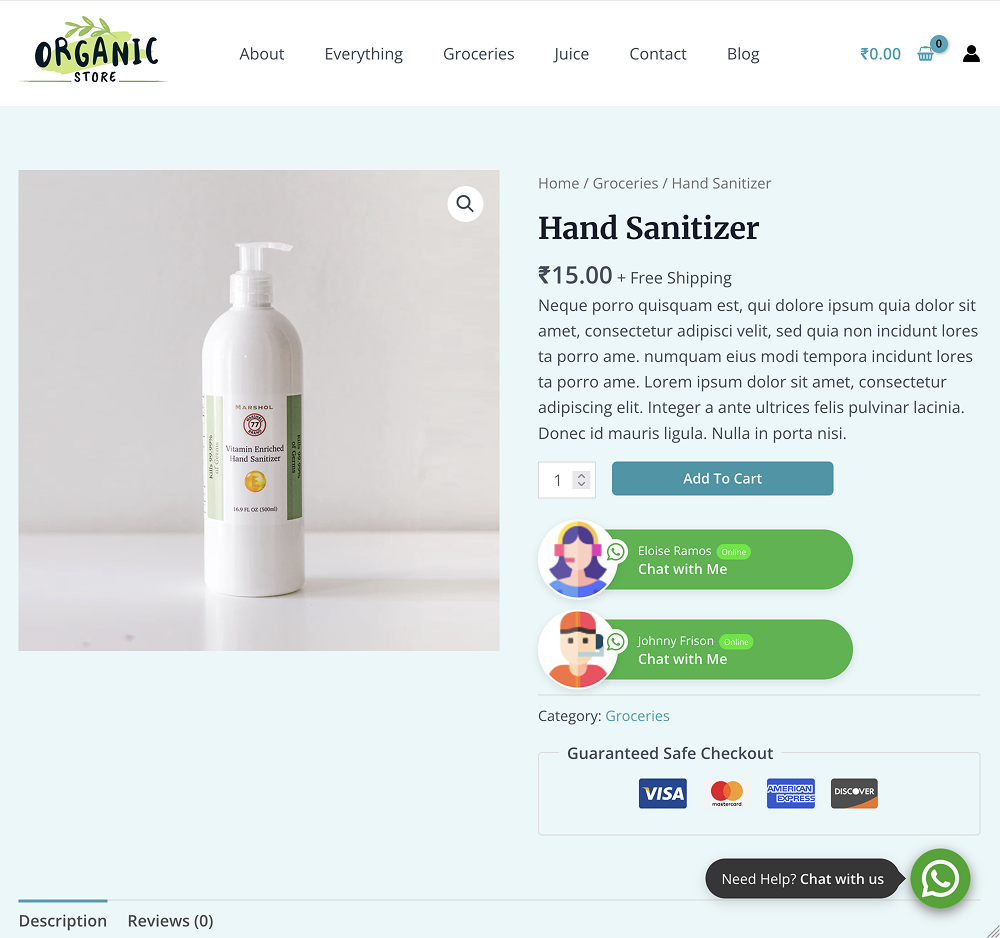
Single WooCommerce Product Whatsapp Chat Button
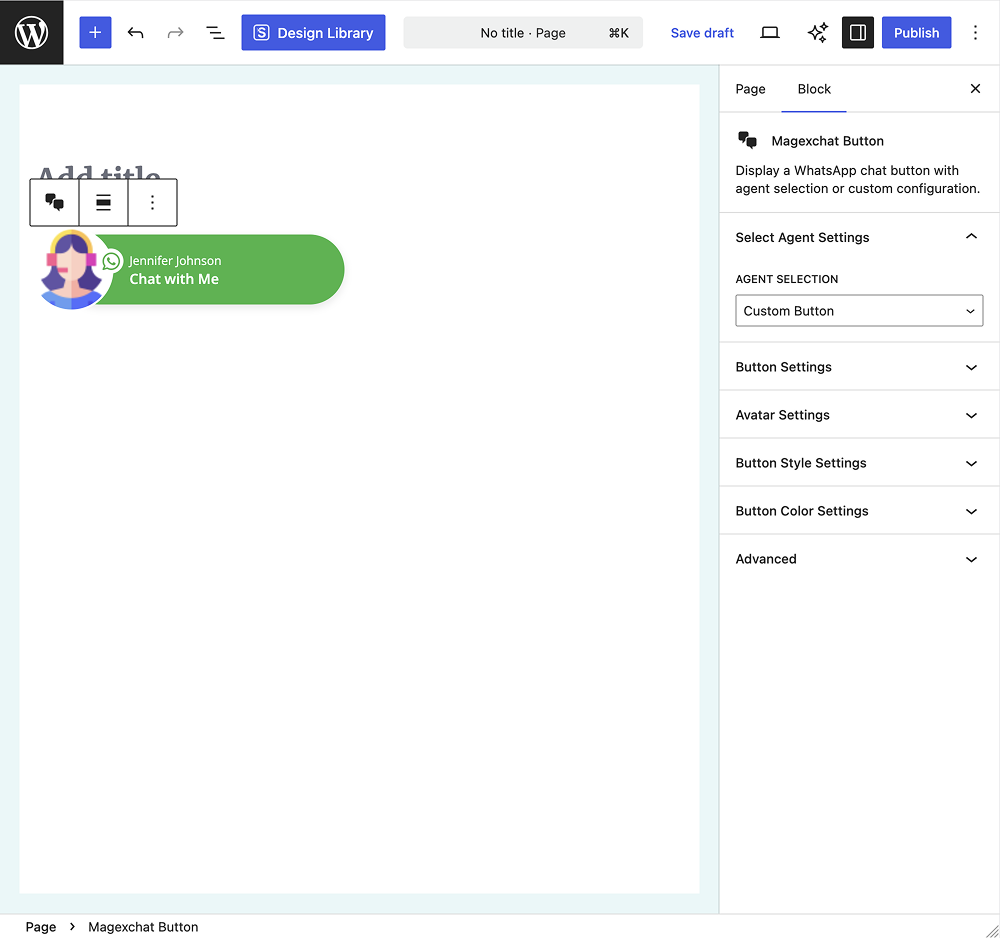
Gutenberg Block
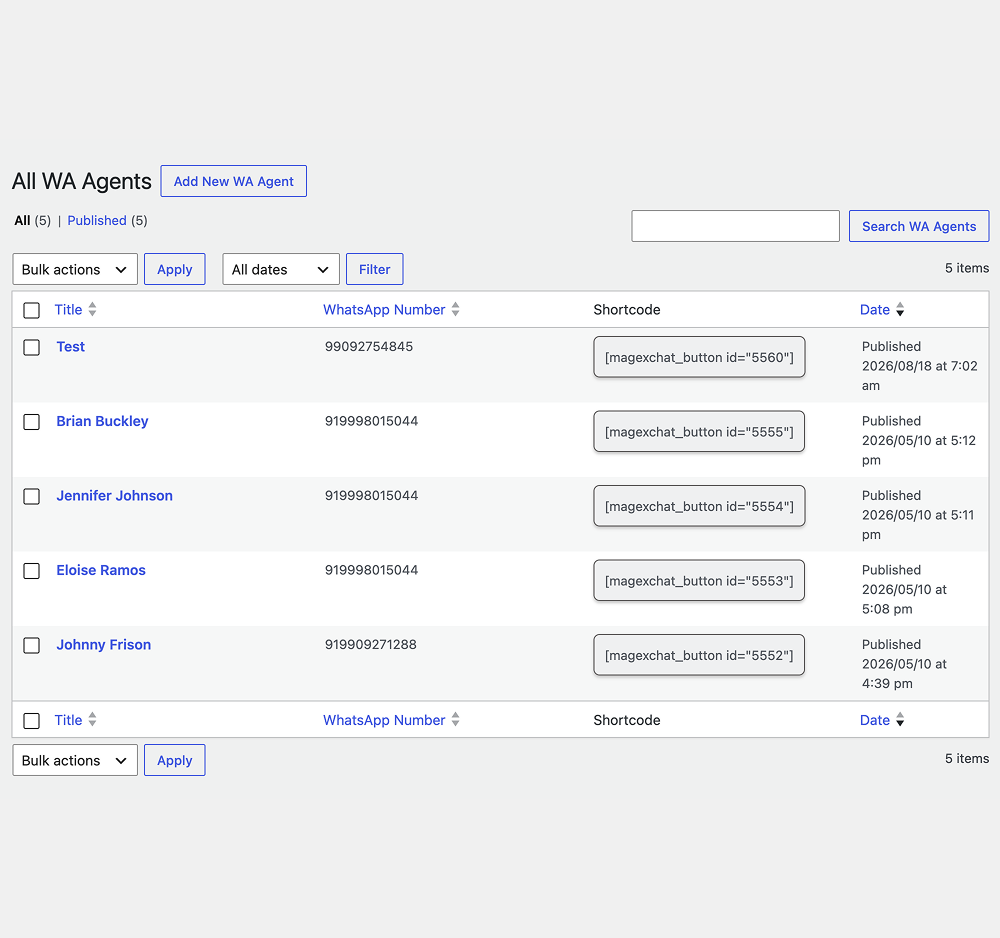
All Whatsapp Agent Listing
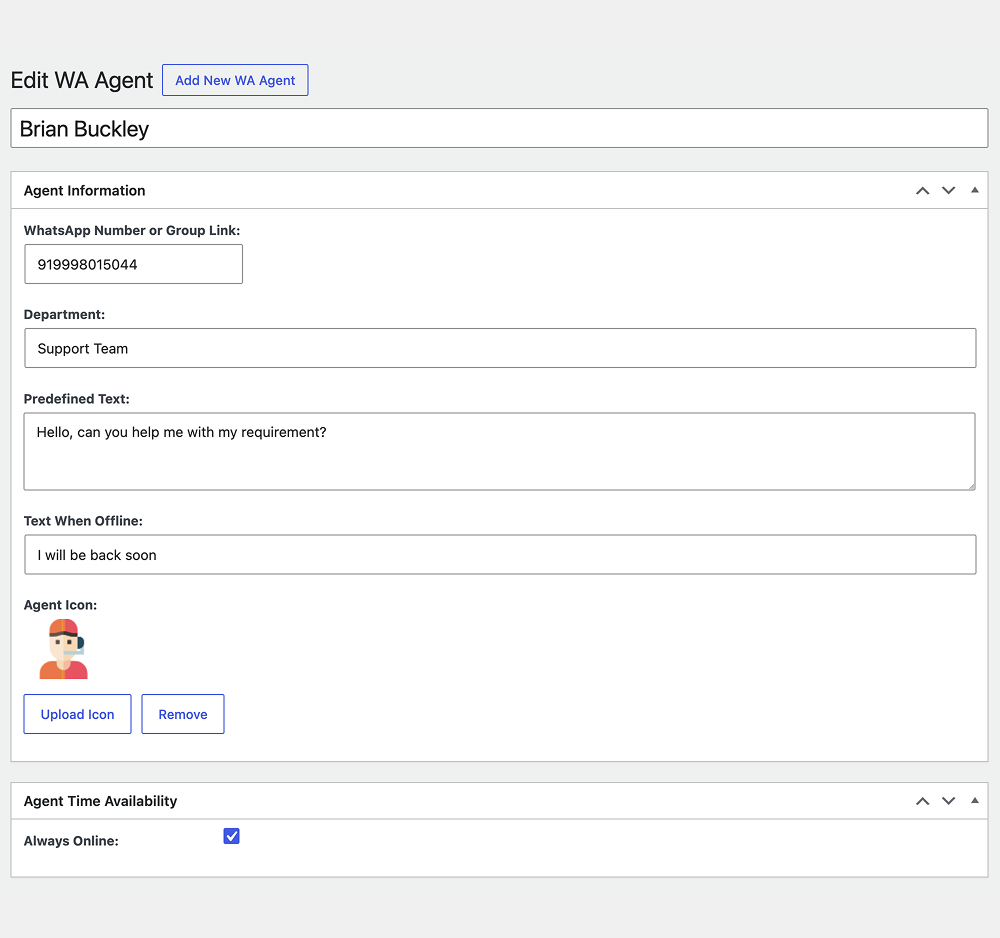
Whatsapp Agent Information
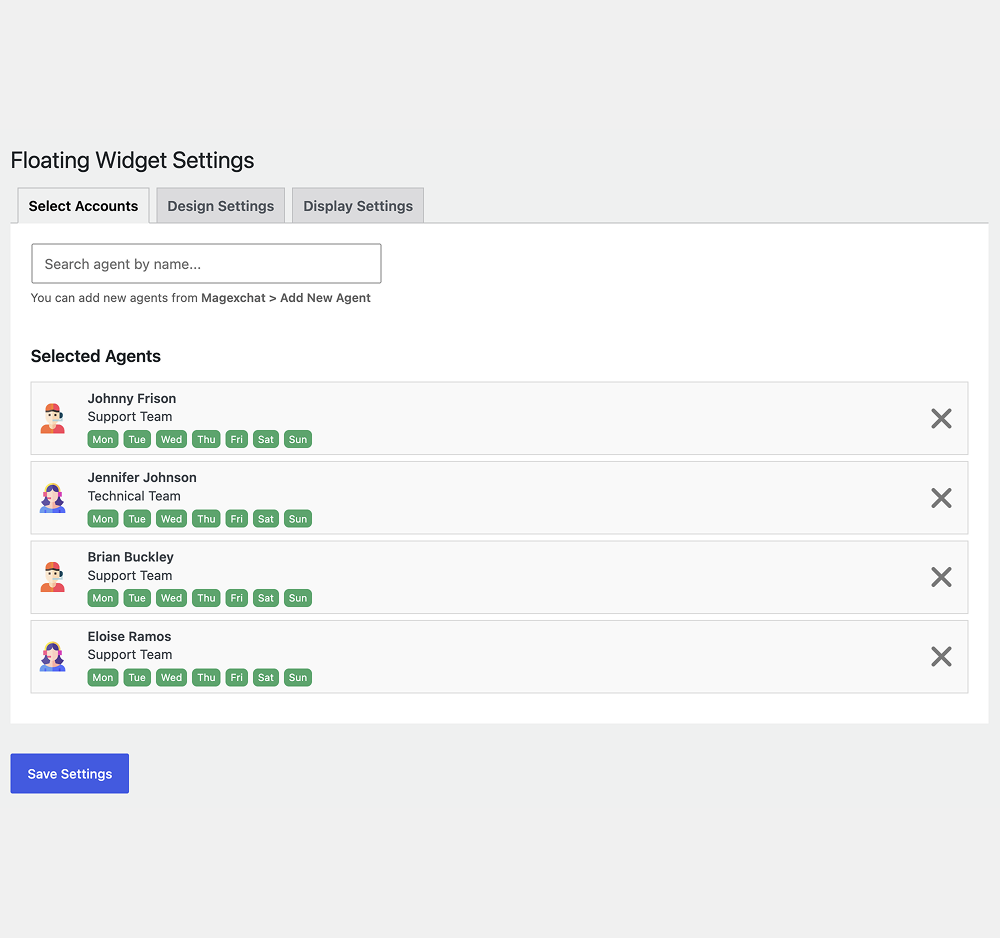
Agent Selection for Floating Widget
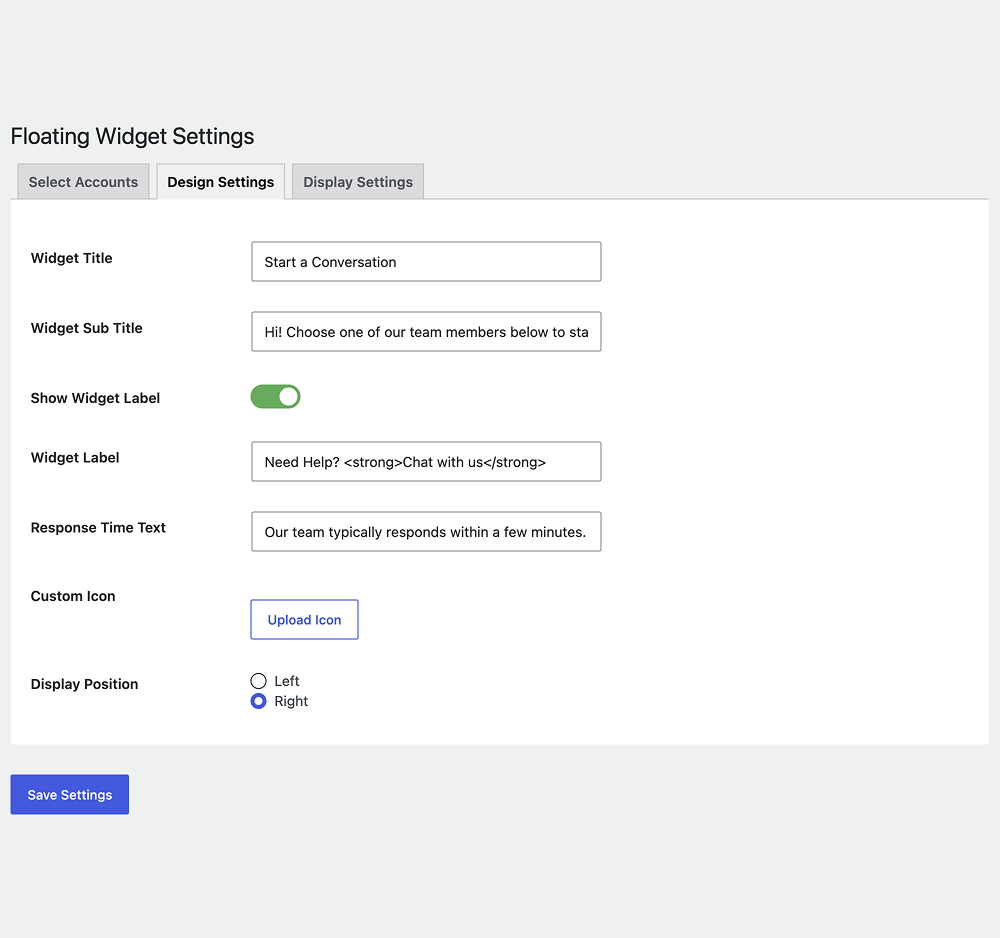
Floating Widget Design Settings
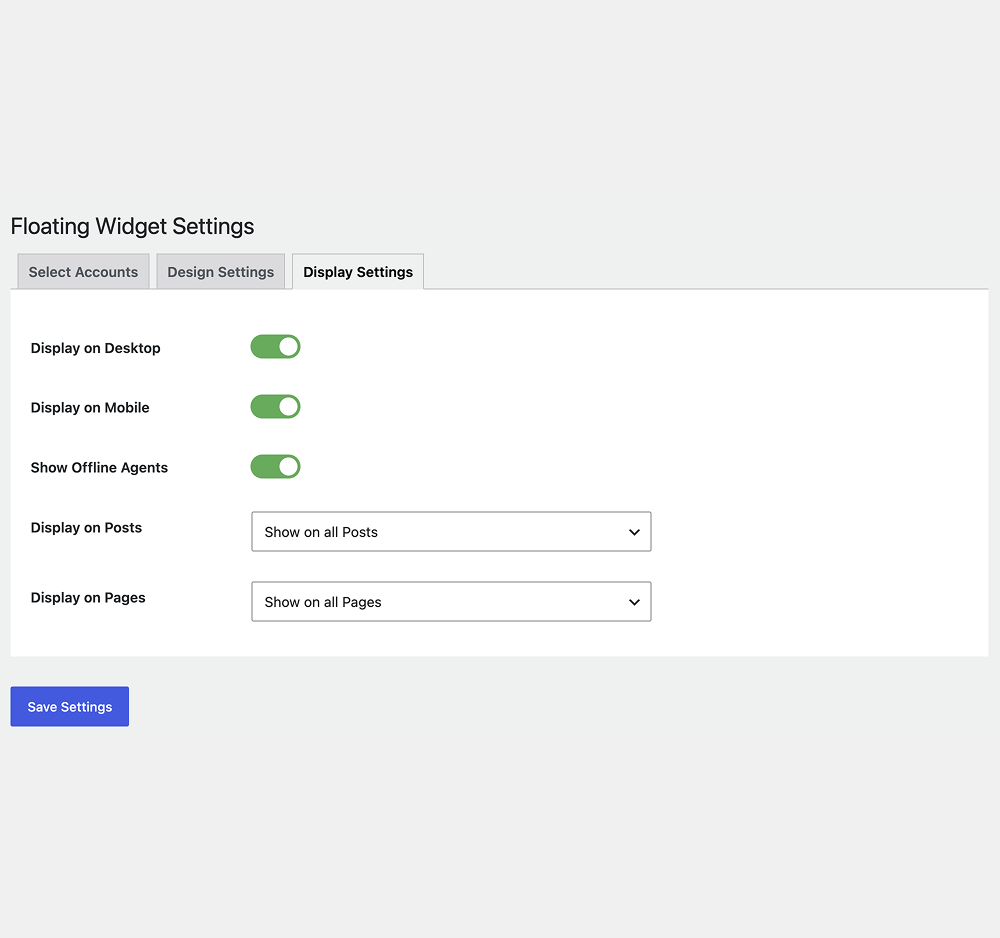
Floating Widget Display Settings
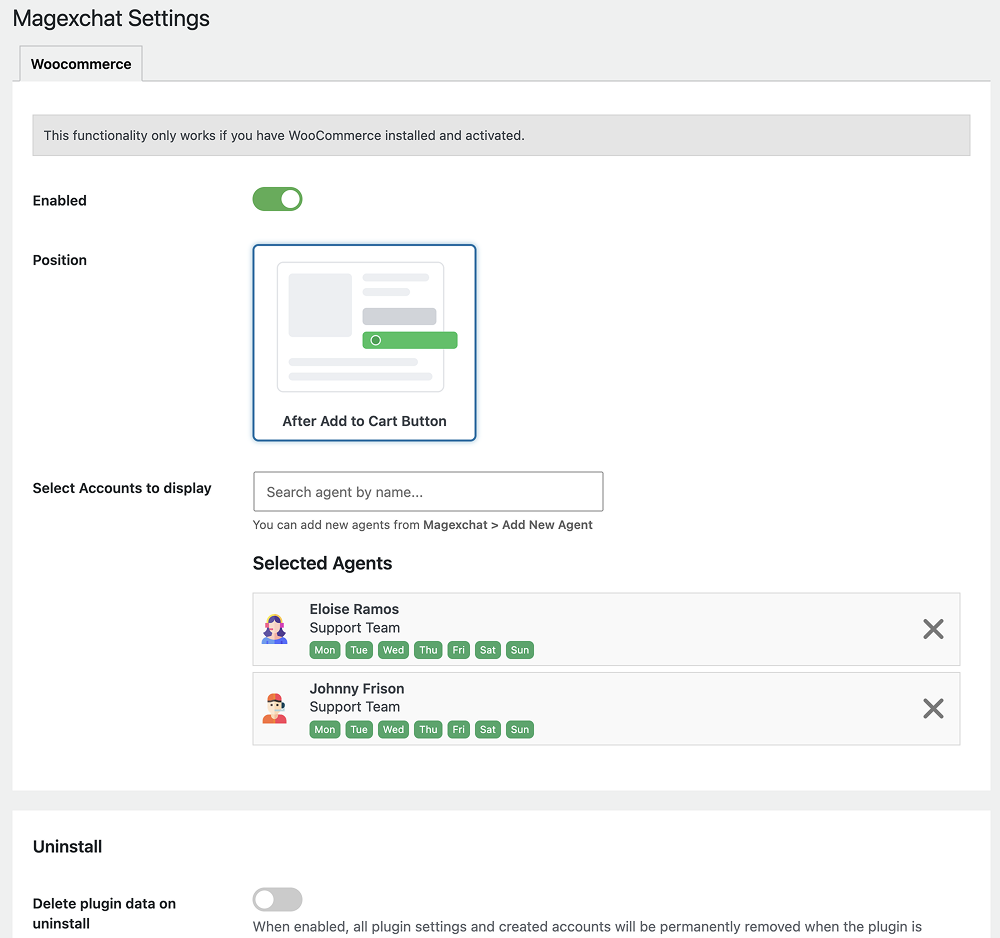
Whatsapp Chat Button Settings for WooCommerce Product


Magexchat – Multi-Agent WhatsApp Chat Plugin
Your website visitors may have questions about products, services, pricing, or orders. If they can’t easily reach your team, they may leave without getting the answers they need.
Magexchat helps bridge that communication gap by adding WhatsApp chat functionality directly to your WordPress website. With multiple agents, availability schedules, and flexible display options, you can create a chat experience that fits your business and support workflow.
nstead of displaying a generic contact button everywhere, configure the right agents, customize your widget, and let visitors connect with your team through WhatsApp.
Magexchat – Multi-Agent WhatsApp Chat Key Features







FAQs
Magexchat supports unlimited WhatsApp agents. You can create individual agent profiles with their own WhatsApp numbers, settings, and availability schedules.
Yes. Magexchat works with both regular WhatsApp and WhatsApp Business accounts. Visitors are redirected to WhatsApp to start a conversation.
Yes. You can control floating widget visibility by page and post, and use specific agent selections through Gutenberg blocks or shortcodes.
Yes. You can customize colors, labels, icons, button shapes, and positions to match your website’s design.
Yes. Magexchat integrates with WooCommerce and lets you display WhatsApp chat buttons on product pages.
Yes. You can use the Magexchat shortcode in Elementor and other page builders that support shortcodes.
Example: [magexchat_button id=”123″]
Yes. You can configure agent availability schedules. Magexchat uses these settings to determine online or offline status and supports configurable offline display options.
Yes. Magexchat is available as a free WordPress plugin on WordPress.org.
The plugin uses WhatsApp chat links to connect visitors with agents. You don’t need to configure the WhatsApp Business API to use its basic chat functionality.
Magexchat redirects visitors to WhatsApp to start conversations. The actual conversation takes place in WhatsApp, not in a built-in Magexchat chat inbox.
Reviews
There are no reviews yet.