
How to Upgrade Magento 2 Version: A Complete Step-by-Step Guide
A step-by-step guide to upgrading your store to the latest Magento 2 release, and why running an old version costs you.
What Magento 2 indexers do, when "Reindex required" needs action, and how to rebuild indexes from the command line or from the admin panel.
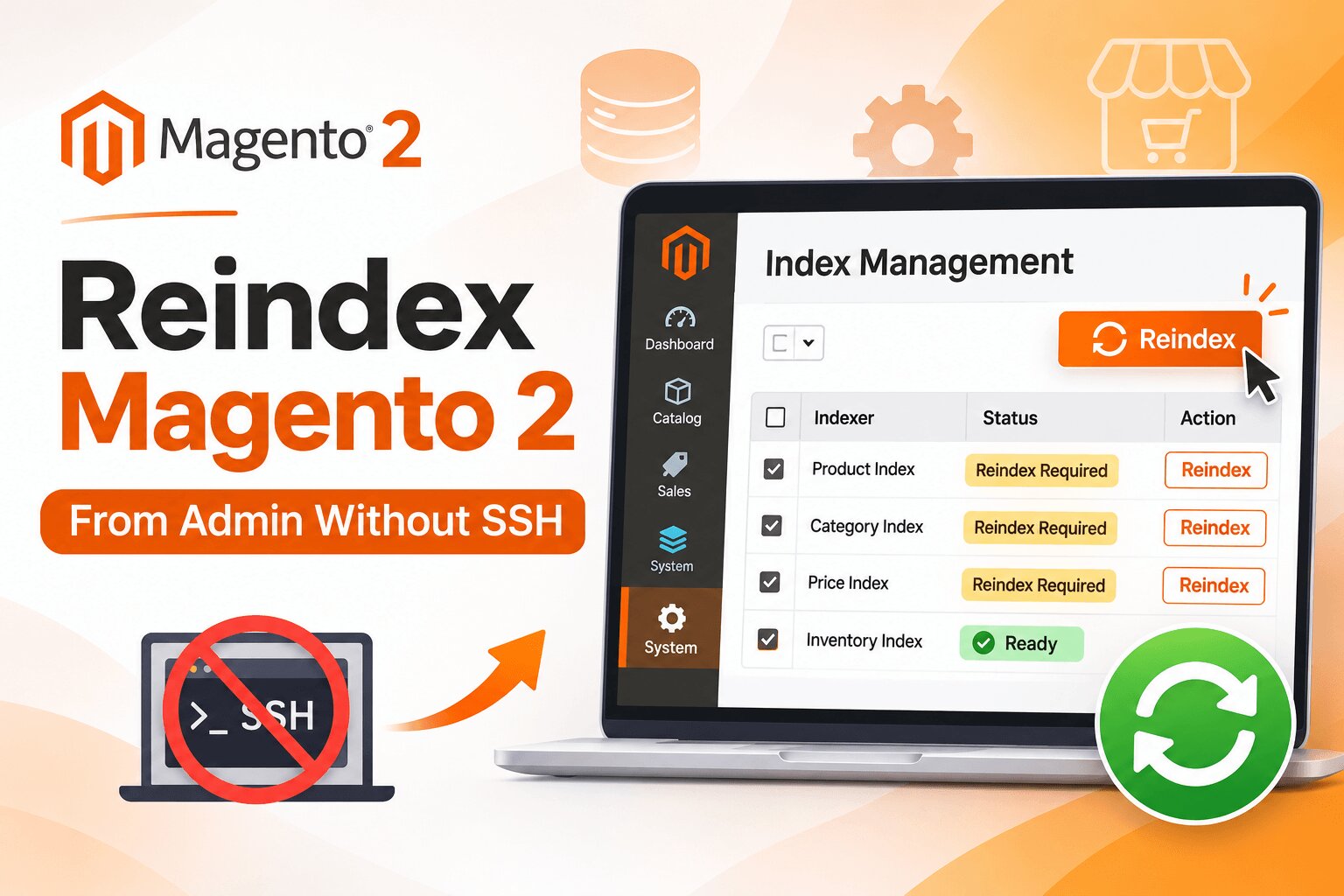
When a Magento 2 index shows "Reindex required", the usual fix is php bin/magento indexer:reindex on the command line. That is a problem when you don't have SSH access, your hosting doesn't allow it, or the person who notices the problem is a store manager rather than a developer. This guide explains what indexers do, when you need to reindex, and how to do it from the admin panel.
Magento keeps fast, pre-calculated copies of data such as product prices, category products, stock and search terms. These are the indexes. When you change a product, price or category, the matching index has to be rebuilt before the storefront shows the change correctly. You can see every indexer in System > Index Management.
| Status or mode | Meaning |
|---|---|
| Ready | The index is up to date. |
| Reindex required | Data has changed since the last rebuild. Rebuild it now, or wait for cron if the mode is Update by Schedule. |
| Processing | A rebuild is running (started by cron or the command line). |
| Update on Save | The index rebuilds whenever related data is saved. |
| Update by Schedule | The index rebuilds through a cron job. |
Most production stores use Update by Schedule, which depends on cron. If cron is not running, or you need a change live straight away, indexes can stay out of date.
With SSH access, run from the Magento root:
php bin/magento indexer:reindexor name a single indexer, for example php bin/magento indexer:reindex catalog_product_price. Check the result with php bin/magento indexer:status.
Magento's Index Management grid only lets you change the mode; it has no reindex button. Our free Reindex from Admin extension adds one, inside the same grid:
A message shows which indexers were rebuilt and which failed. If one fails, the rest still run, and the error is written to the Magento log. You can limit who may reindex with its own permission in System > Permissions > User Roles. The user guide walks through each screen.
A reindex from the admin runs in your browser request, so the page waits until it finishes. On large catalogs, indexers such as Catalog Product Price or full-text search can take a while. Run them at a quiet time, and keep cron running so scheduled indexing does most of the work.
Indexes that are always "Reindex required" usually mean cron isn't running. Reindexing by hand fixes the symptom; fixing cron fixes the cause. If you would like us to check your cron and indexing setup, get in touch.
More guides from the Magexweb blog.
A step-by-step guide to upgrading your store to the latest Magento 2 release, and why running an old version costs you.
Why patching on time matters, and how to install Magento 2 security patches with Composer or by hand.
Shipping costs are a common reason shoppers abandon a cart. Here’s how a free shipping bar nudges them to add one more item instead.
Upgrades, security patches and platform moves are what we do every day. Tell us what your site needs, and we will reply with questions and next steps.