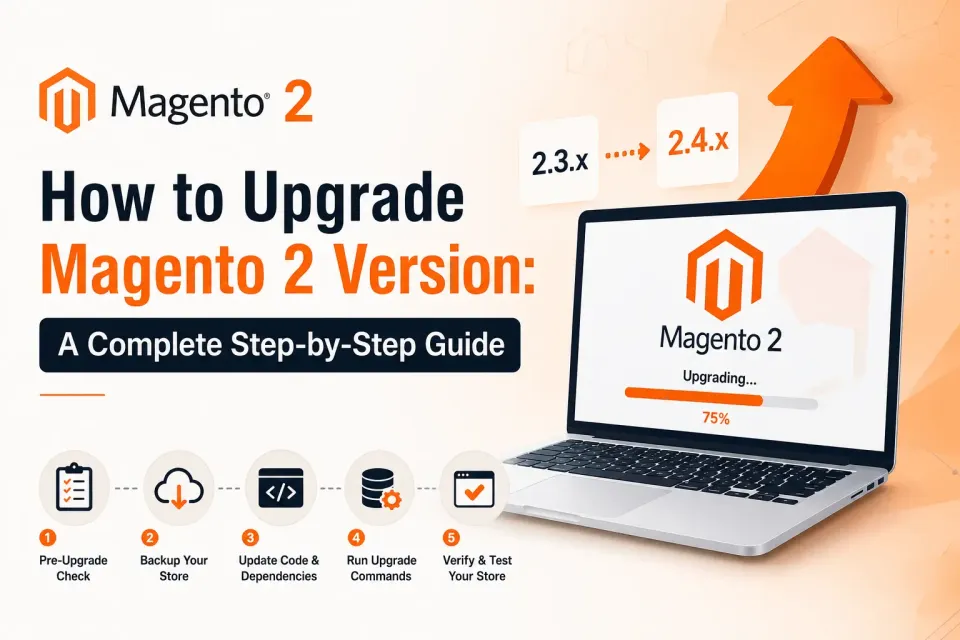
How to Upgrade Magento 2 Version: A Complete Step-by-Step Guide
A step-by-step guide to upgrading your store to the latest Magento 2 release, and why running an old version costs you.
Show shoppers how much more they need to spend for free shipping: set up the free shipping rule, thresholds per customer group, messages and placement in Magento 2.
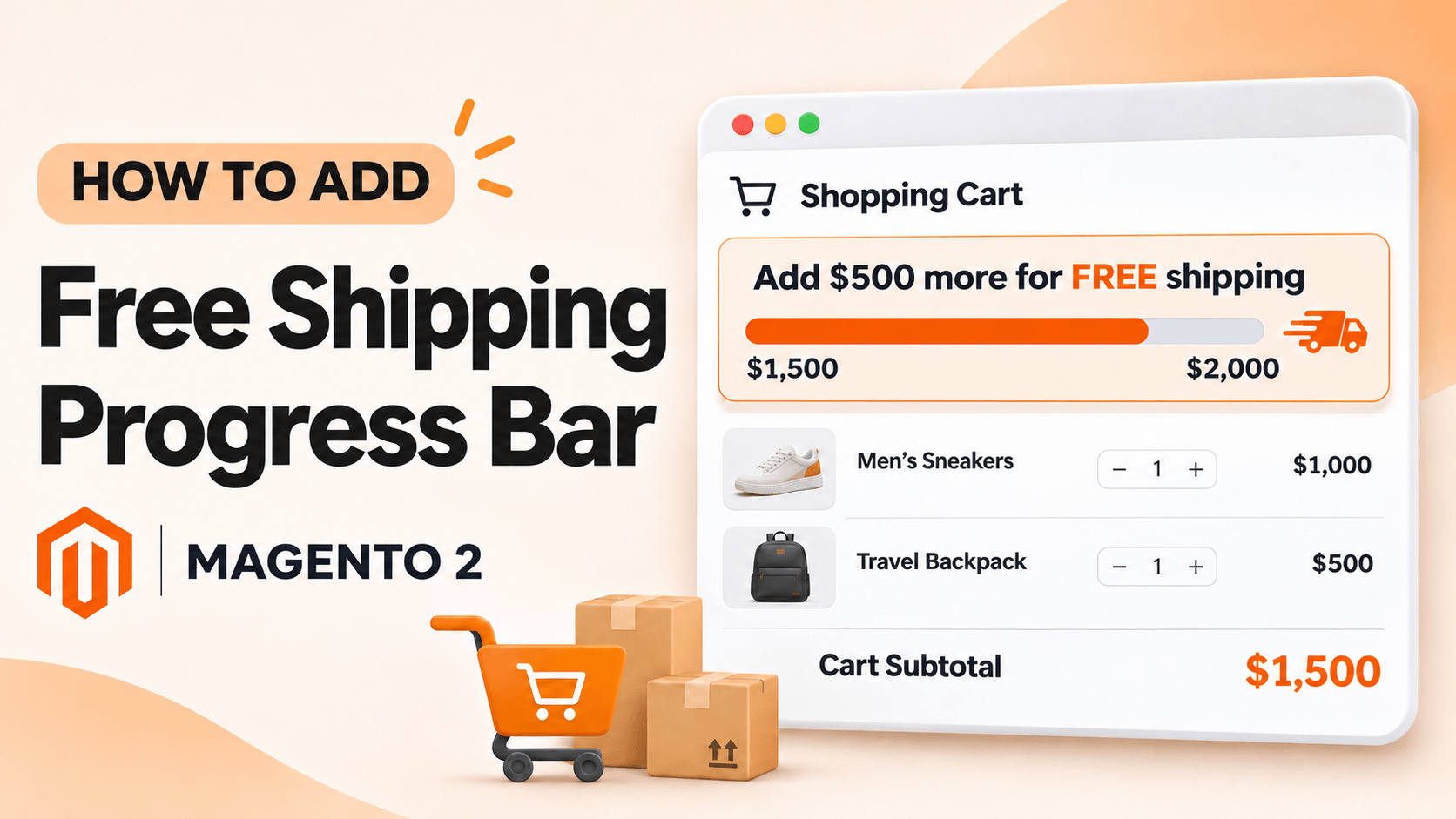
Most Magento 2 stores offer free shipping above a set order amount, but many shoppers only find out at checkout, when it is too late to add another item. A free shipping progress bar fixes that: it shows the threshold from the first page view and tells each shopper how much more they need to spend. This guide shows how to set one up, and the one setting people most often forget.
A free shipping bar is a slim notice at the top or bottom of the page that reads the shopper's cart subtotal and compares it with your free-shipping threshold. It has three states:
The message updates as soon as a product is added to the cart, so the shopper sees the effect of each item they add.
A bar only displays a message. It does not change shipping prices. Before anything else, make sure Magento actually gives free shipping above your threshold, with one of these:
Whichever you use, note the exact amount. The bar's threshold must match it, or shoppers will be told they qualify when they don't.
Magento 2 has no built-in free shipping bar, so you add one with an extension or a custom module. Our Free Shipping Bar for Magento 2 installs like any Magento module: enable it, run setup:upgrade, compile and deploy static content in production mode, and flush the cache. The user guide has every command.
Thresholds are set per customer group, each with its own wording. That lets you, for example:
Messages can use three variables that are filled in with currency-formatted amounts: {thresholdValue} (the threshold), {cartValue} (the cart subtotal) and {leftValue} (what is left to spend). A typical progress message is: You added {cartValue} to your cart. Only {leftValue} to go for free shipping.
Pick a position (page top, content top, content bottom or page bottom) and the page types it appears on. Some stores show it everywhere; others leave it off the checkout so nothing distracts from paying. You can also:
Before you announce it, test as a shopper in each customer group:
If the bar doesn't appear, check the extension is switched on, at least one threshold row exists for the shopper's group, and the page type is selected.
The Free Shipping Bar product page has a live demo, pricing and the full feature list. If you would rather we set it up for you, or need a custom version, tell us about your store.
More guides from the Magexweb blog.
A step-by-step guide to upgrading your store to the latest Magento 2 release, and why running an old version costs you.
Why patching on time matters, and how to install Magento 2 security patches with Composer or by hand.
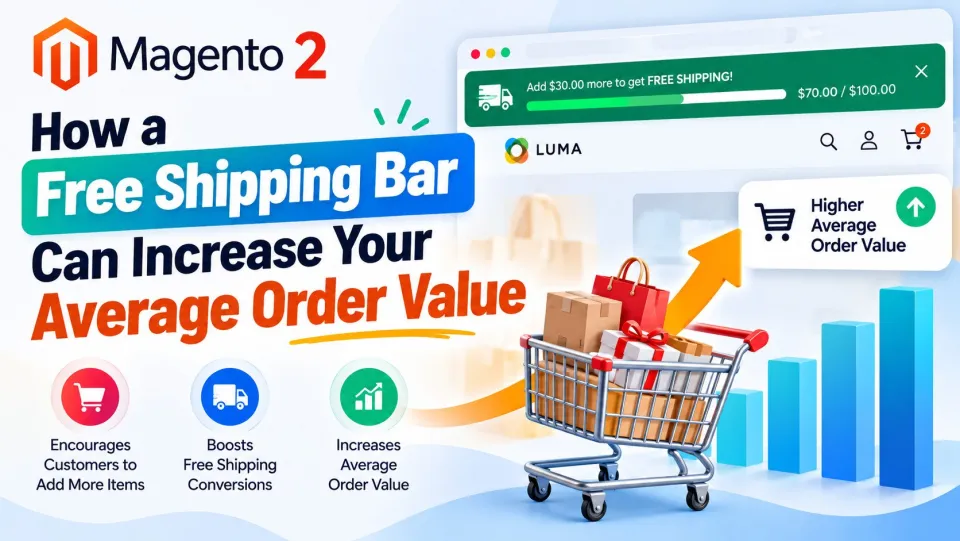
Shipping costs are a common reason shoppers abandon a cart. Here’s how a free shipping bar nudges them to add one more item instead.
Upgrades, security patches and platform moves are what we do every day. Tell us what your site needs, and we will reply with questions and next steps.