
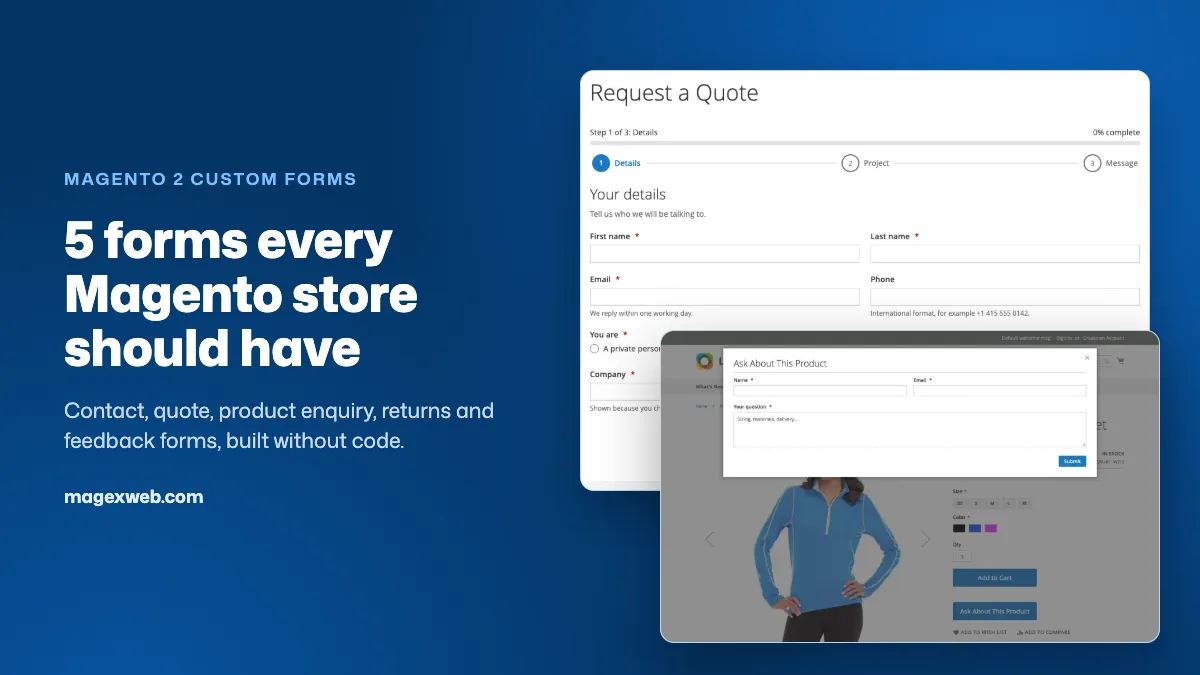
5 Forms Every Magento 2 Store Should Have (and How to Build Them)
Contact, request a quote, product enquiry, returns and feedback forms: which fields each needs and how to build custom forms in Magento 2 without code.
How to make Magento 2 forms GDPR-ready: consent checkboxes that record what was agreed, data minimisation, retention, erasure requests and secure file uploads.
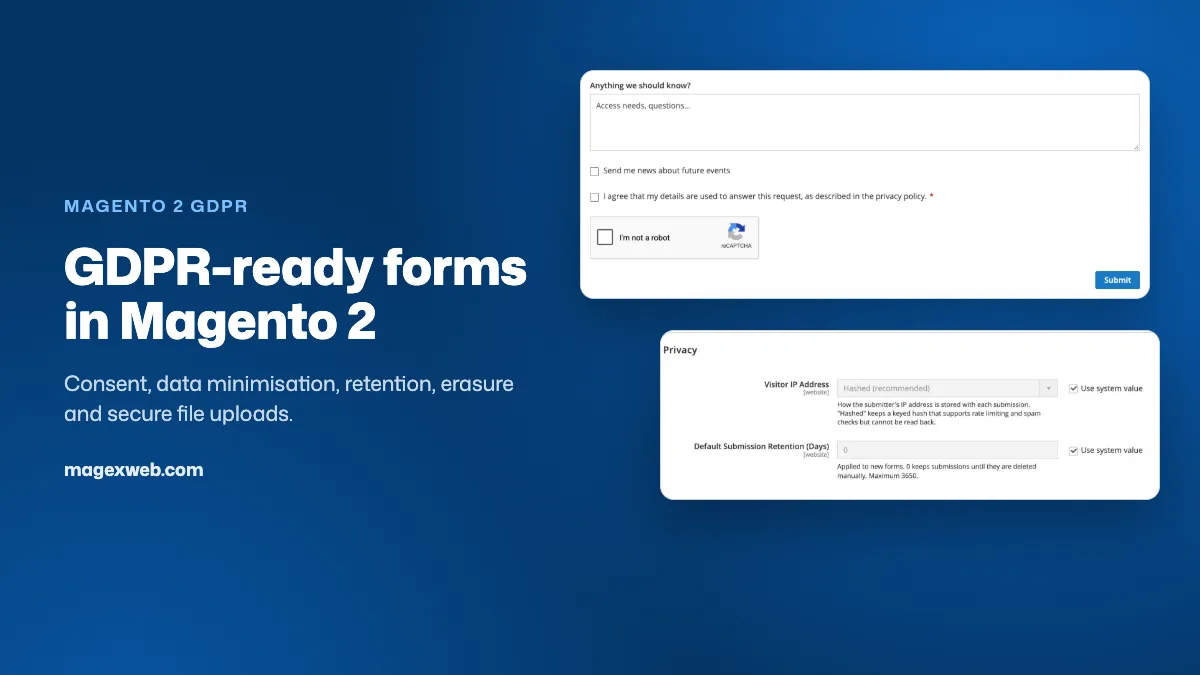
Every form on your Magento 2 store collects personal data: a name, an email address, sometimes a phone number, a delivery address or a photo. If you sell to customers in the EU or the UK, the GDPR applies to that data from the moment the form is submitted until the last copy is deleted. This guide explains what a GDPR-ready form in Magento 2 looks like, what the built-in contact form does and does not do, and how to set up consent, data minimisation, retention and erasure with Custom Form Builder for Magento 2.
This article explains common practice. It is not legal advice: check your privacy policy and your lawful basis with a qualified adviser.
Short answer: a GDPR-ready Magento 2 form asks only for the data it needs, explains why, records consent when consent is your lawful basis (with the exact text the customer agreed to), keeps submissions only as long as needed, stores uploads securely, and lets you find, export and delete one person's data on request.
Five GDPR principles matter most for website forms:
The default Magento 2 contact form can be used in a GDPR-compliant way, but it gives you few tools. It has no consent checkbox, and Magento Open Source stores no copy of the message: it only sends an email. That means every message lives in a mailbox, where you have to handle retention and deletion yourself. For one form and a small inbox that can be manageable. For several forms, attachments or a team sharing the work, it becomes hard to answer "what data do we hold about this person?". We compare both options in Magento's built-in contact form vs Custom Form Builder.
Custom Form Builder has a Consent field type. When a customer ticks it, the submission stores the exact consent text and its version number, and both are shown on the submission page in the admin. When you change the wording, raise the version number, so older submissions still show what those customers agreed to.
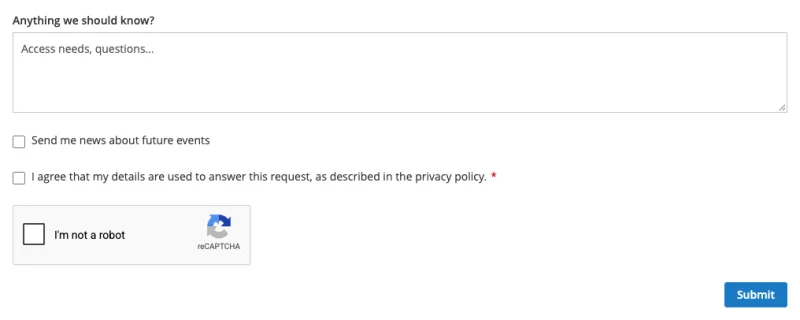
Good practice for consent checkboxes:
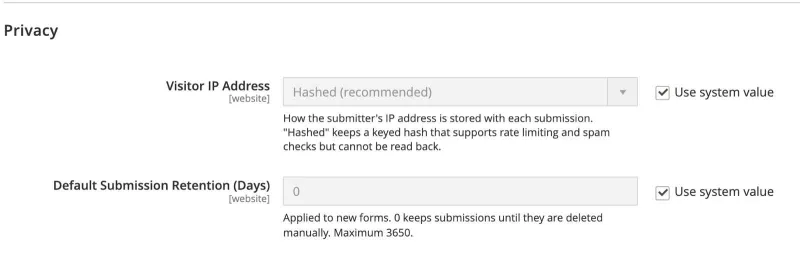
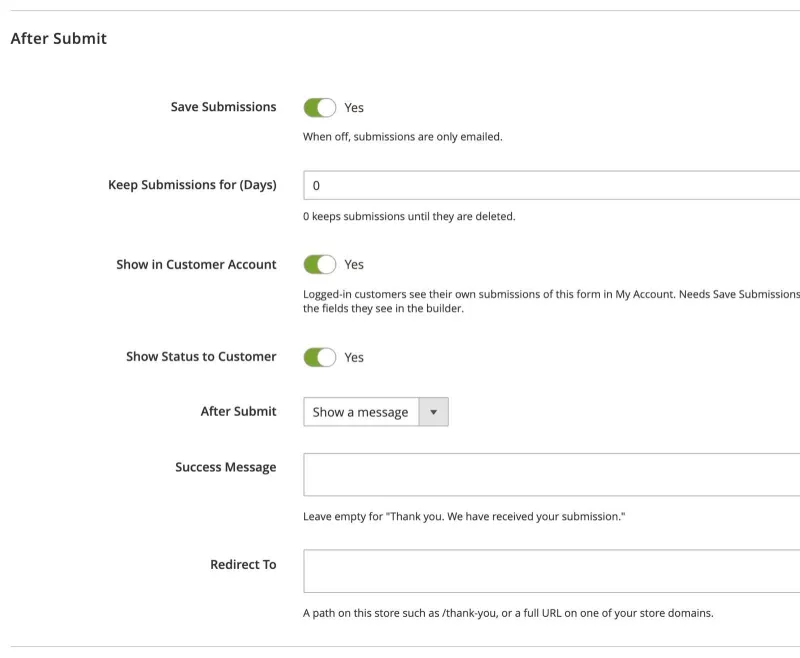
Decide how long each form's data is needed: a contact message may be needed for a few months, a quote request for a year. In the form's After Submit section, set Keep Submissions for (Days). Magento cron then deletes older submissions every hour, together with their uploaded files. The Default Submission Retention setting applies the same period to new forms.
Remember the copies outside Magento: notification emails sit in your team's mailboxes and exported CSV files sit on laptops. Your retention policy should cover those too.
| Command | What it does |
|---|---|
php bin/magento formbuilder:submissions:erase name@example.com | Shows how many submissions have that address |
... --yes | Deletes them, with their files |
... --yes --anonymize | Removes every answer, file and personal detail, and keeps only the fact that a submission was made |
In the admin, Anonymize and Delete are also available on a single submission and as mass actions, protected by their own admin permission.
Custom Form Builder loads no external scripts, fonts or styles, except Google reCAPTCHA when you enable it and the Google Maps JavaScript API when you set up address autocomplete. If you use either, name Google in your privacy policy and consider your cookie banner. Without reCAPTCHA, the honeypot, minimum fill-in time and per-visitor limit still stop most spam.
Need the forms first? Start with 5 forms every Magento store should have, and see every privacy setting in the Custom Form Builder user guide.
No software makes a store compliant by itself: compliance depends on how you collect, use and keep data. Magento Open Source has some tools, such as cookie restriction mode, but its contact form has no consent field and no retention or erasure tools for messages.
Not always. Answering a question someone asked you can rely on their request rather than consent. You do need separate, optional consent for marketing, such as a newsletter checkbox.
A general GDPR extension usually covers customer accounts, orders and cookies. Form submissions need their own consent, retention and erasure tools. Custom Form Builder includes these for the forms it creates.
With Custom Form Builder, run php bin/magento formbuilder:submissions:erase name@example.com --yes, or select their submissions in Form Builder > Submissions and use Delete or Anonymize. Then remove the matching notification emails and exports.
More guides from the Magexweb blog.
Contact, request a quote, product enquiry, returns and feedback forms: which fields each needs and how to build custom forms in Magento 2 without code.
What the built-in Magento 2 contact form does, how to add custom fields, and when a form builder extension is the better choice. With a side-by-side comparison.
A step-by-step guide to upgrading your store to the latest Magento 2 release, and why running an old version costs you.
Upgrades, security patches and platform moves are what we do every day. Tell us what your site needs, and we will reply with questions and next steps.

0 Comments
No comments yet. Be the first to comment.
Leave a Comment
Please sign in to comment. Sign in