
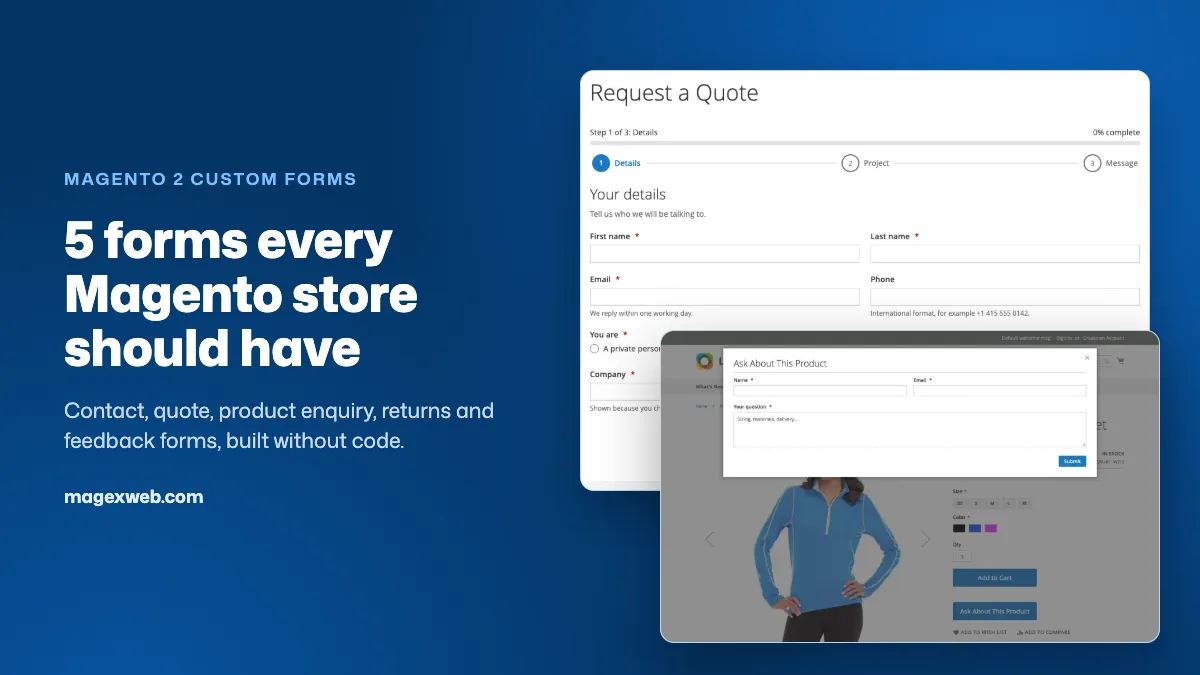
5 Forms Every Magento 2 Store Should Have (and How to Build Them)
Contact, request a quote, product enquiry, returns and feedback forms: which fields each needs and how to build custom forms in Magento 2 without code.
What the built-in Magento 2 contact form does, how to add custom fields, and when a form builder extension is the better choice. With a side-by-side comparison.
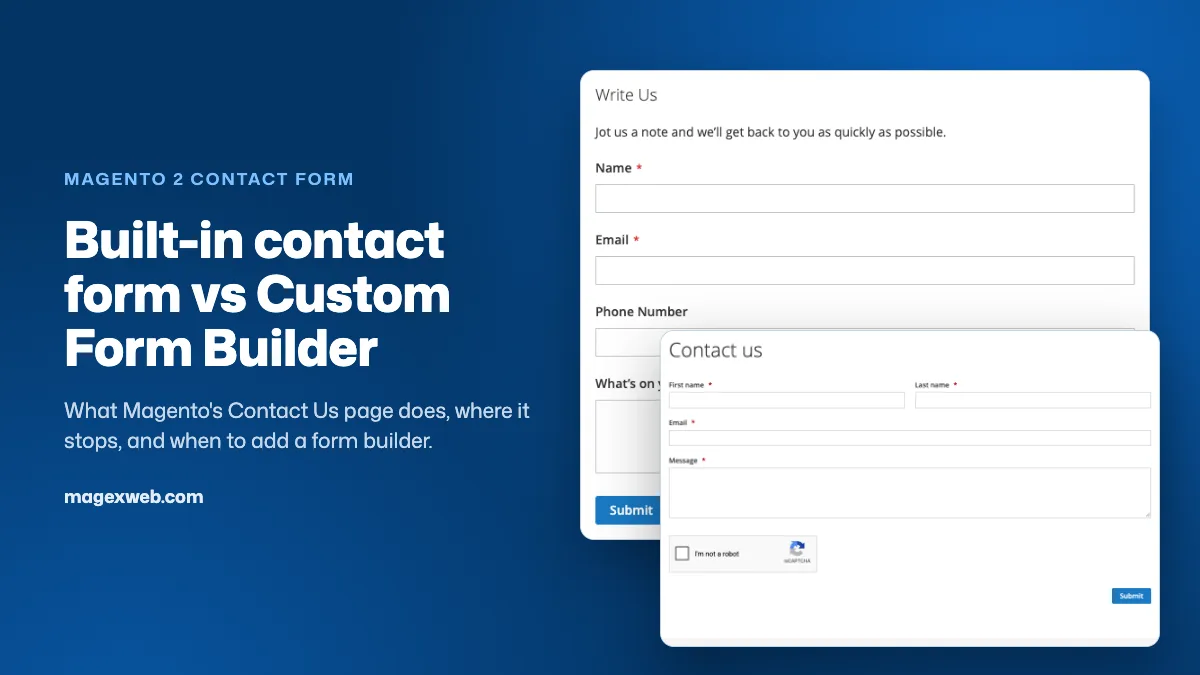
Every Magento 2 store comes with a Contact Us page at /contact. It works out of the box, and for some stores it is all they need. But as soon as you want an extra field, a second form or a record of what customers sent, you reach its limits. This article compares Magento's built-in contact form with Custom Form Builder for Magento 2, shows how to customise the default form, and helps you decide which one your store needs.
Short answer: keep the built-in Magento 2 contact form if one form with name, email, phone and message is enough and email is the only place you need the messages. Choose a form builder when you need custom fields, more than one form, file uploads, forms on product or CMS pages, or submissions stored and managed in the Magento admin.
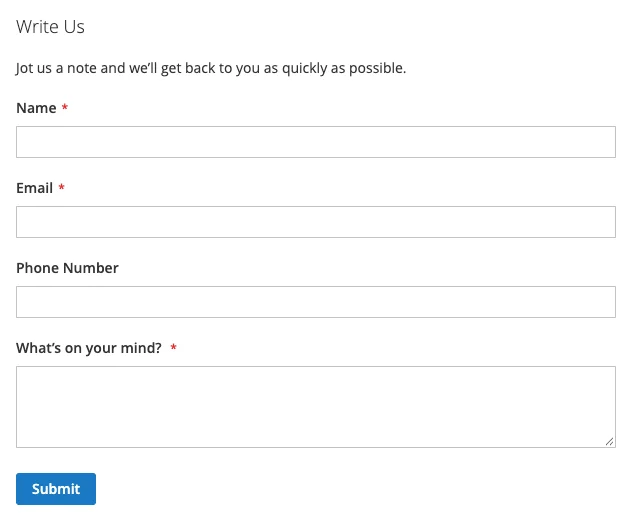
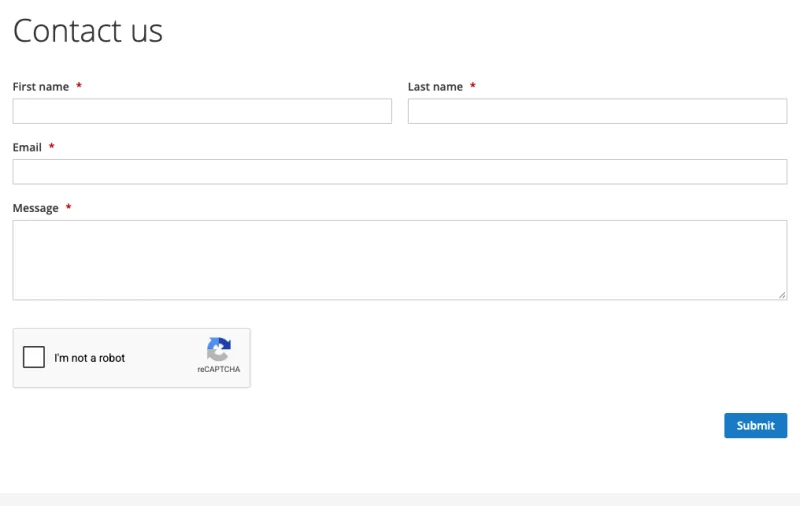
The Magento_Contact module adds one form with four fields: Name, Email, Phone Number and What's on your mind?. When a customer submits it, Magento emails the message to one address. Logged-in customers get their name and email filled in.
You configure it in Stores > Configuration > General > Contacts:
For spam protection, Magento's own reCAPTCHA can be switched on for the Contact Us form under Stores > Configuration > Security > Google reCAPTCHA Storefront.
/contact. It cannot be added to a product page, and placing it in another page takes layout or template work.Adding a field to the default contact form is a developer task. In a custom module or your theme you need to:
Magento_Contact::form.phtml template and add the new input.That is reasonable for one extra field. For several fields, several forms, or anything that needs to be stored, it becomes a project of its own.
With Custom Form Builder, a contact form is built in the admin like any other form: drag in the fields you need, set their widths for desktop, tablet and mobile, and save.
| Feature | Built-in contact form | Custom Form Builder |
|---|---|---|
| Fields | 4 fixed fields | 26 field types, any number of fields |
| Number of forms | 1 | Unlimited |
| Where it shows | /contact page | Own page, CMS pages and blocks, product pages, layout XML |
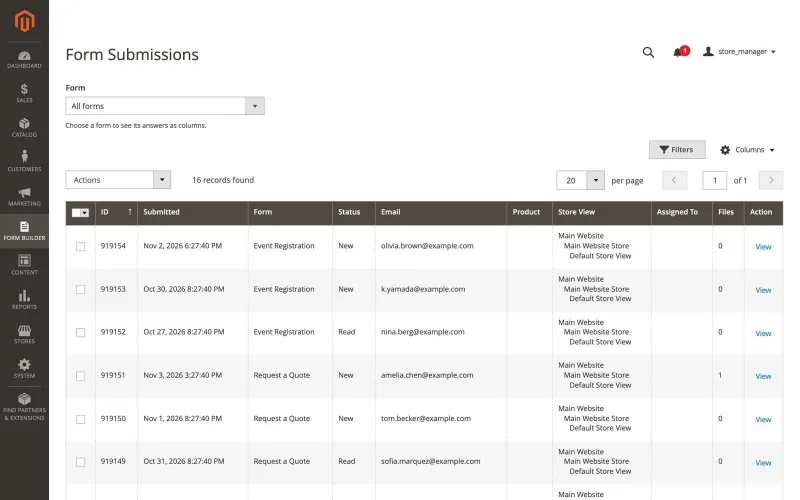
| Submissions stored in admin | No, email only | Yes, with statuses, notes and export |
| Email recipients | One address | Per form, plus conditional recipients |
| Copy to customer | No | Yes |
| File uploads | No | Yes, stored outside the public folder |
| Conditional logic and multi-step | No | Yes |
| Spam protection | reCAPTCHA | reCAPTCHA, honeypot, minimum time, rate limit |
| Consent and retention | No | Consent field with version, retention per form, erasure command |
| Cost | Included in Magento | Paid extension |
The built-in form is enough when you get a handful of messages a week, one person answers them all, and email is your only system.
Use a form builder when any of these is true:
contact-us, so it is at /forms/contact-us.contact to the new page in Marketing > SEO & Search > URL Rewrites, so old links and bookmarks still work.The user guide has the full setup.
In Magento Open Source they are not stored in the database. The message is only sent by email to the address in Stores > Configuration > General > Contacts.
Go to Stores > Configuration > General > Contacts > Email Options and change Send Emails To. The built-in form supports one address.
Not from the admin without development work. With Custom Form Builder you insert any form into a CMS page or block with the Magexweb Form widget.
Custom Form Builder forms work with Magento's full page cache and Varnish, and the extension loads no external scripts except Google reCAPTCHA when you enable it and Google Maps when you set up address autocomplete.
More guides from the Magexweb blog.
Contact, request a quote, product enquiry, returns and feedback forms: which fields each needs and how to build custom forms in Magento 2 without code.
How to make Magento 2 forms GDPR-ready: consent checkboxes that record what was agreed, data minimisation, retention, erasure requests and secure file uploads.
A step-by-step guide to upgrading your store to the latest Magento 2 release, and why running an old version costs you.
Upgrades, security patches and platform moves are what we do every day. Tell us what your site needs, and we will reply with questions and next steps.
0 Comments
No comments yet. Be the first to comment.
Leave a Comment
Please sign in to comment. Sign in