
Magento 2 Contact Form vs Custom Form Builder: Which Do You Need?
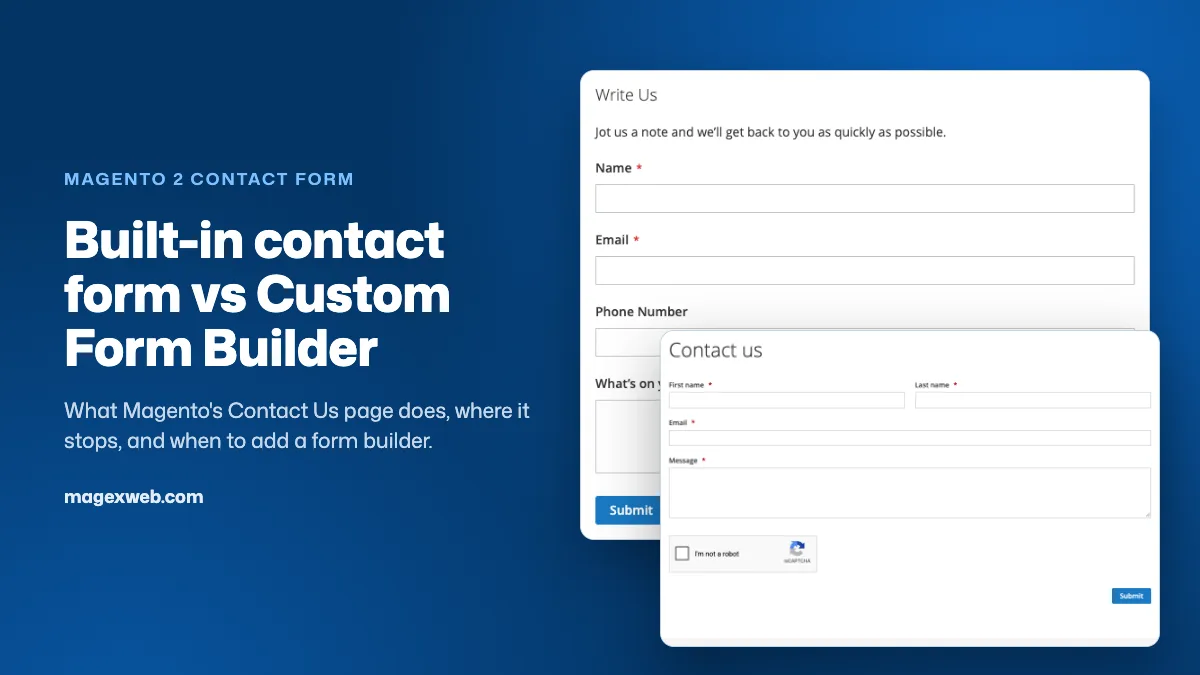
What the built-in Magento 2 contact form does, how to add custom fields, and when a form builder extension is the better choice. With a side-by-side comparison.
Contact, request a quote, product enquiry, returns and feedback forms: which fields each needs and how to build custom forms in Magento 2 without code.
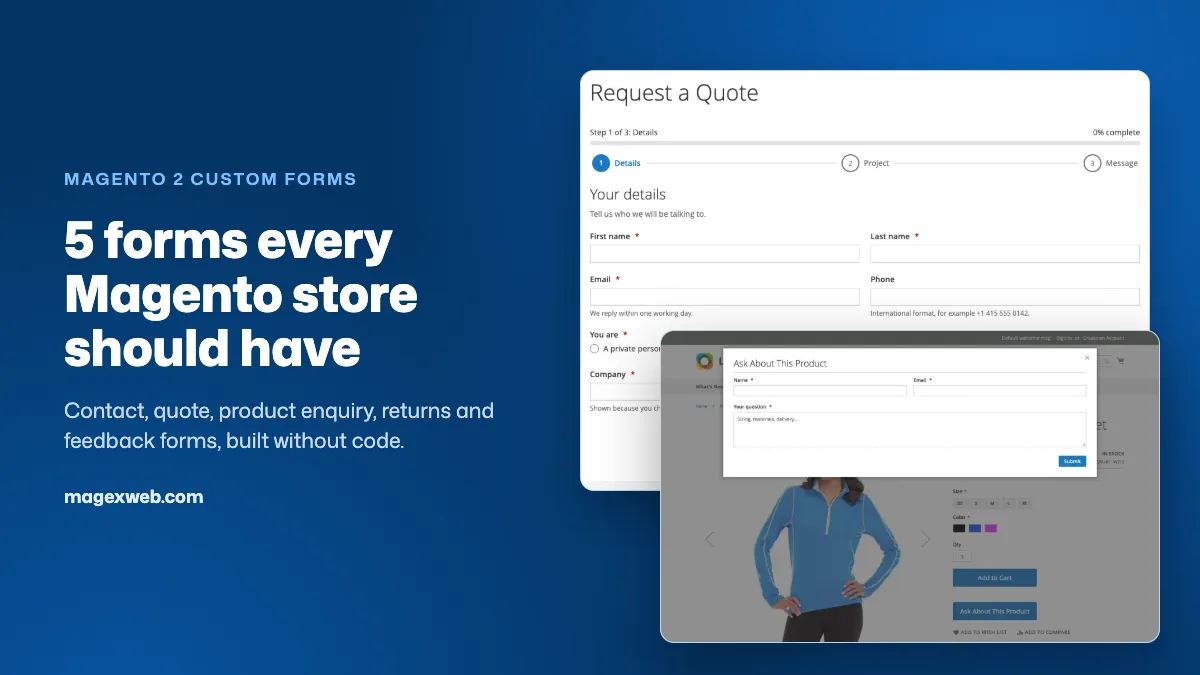
Magento 2 ships with one form for shoppers: the Contact Us page. It is enough for a quick question, but most stores soon need more, such as quote requests from business buyers, questions about a specific product, return requests with photos and feedback after a purchase. This article covers the five custom forms almost every Magento 2 store should have, which fields each needs, and how to build them in the admin with a form builder instead of custom code.
Short answer: every Magento 2 store should have (1) a contact form, (2) a request-a-quote form, (3) a product enquiry form, (4) a returns or warranty request form and (5) a feedback or survey form. Magento Open Source only includes the first one. The other four take either a custom module or a Magento 2 form builder extension.
Every store has a contact page, but the built-in Magento 2 contact form has only four fixed fields (name, email, phone and message), and every message goes to the same email address. A better contact form asks one extra question, "What is your question about?", and routes the answer.
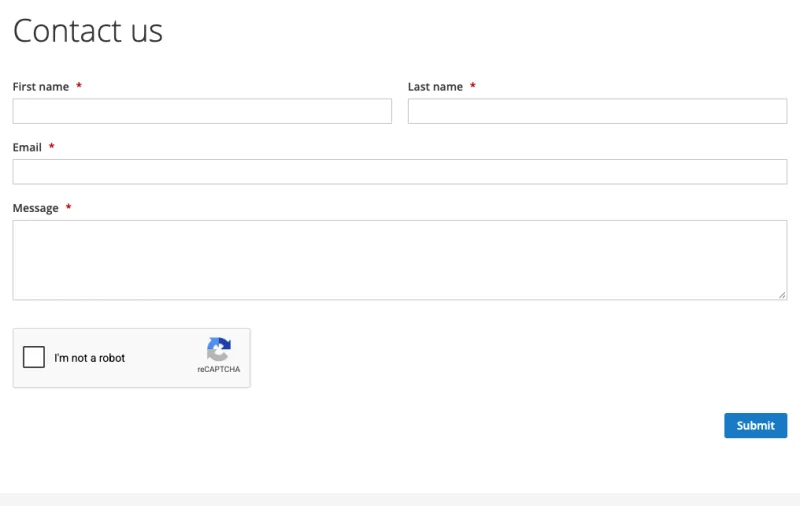
We compare the two options in detail in Magento's built-in contact form vs Custom Form Builder.
Wholesale buyers, trade customers and anyone ordering in bulk rarely want to check out at list price. They want to describe what they need and get a price back. A Magento 2 request a quote form captures that lead with everything sales needs to reply in one go.
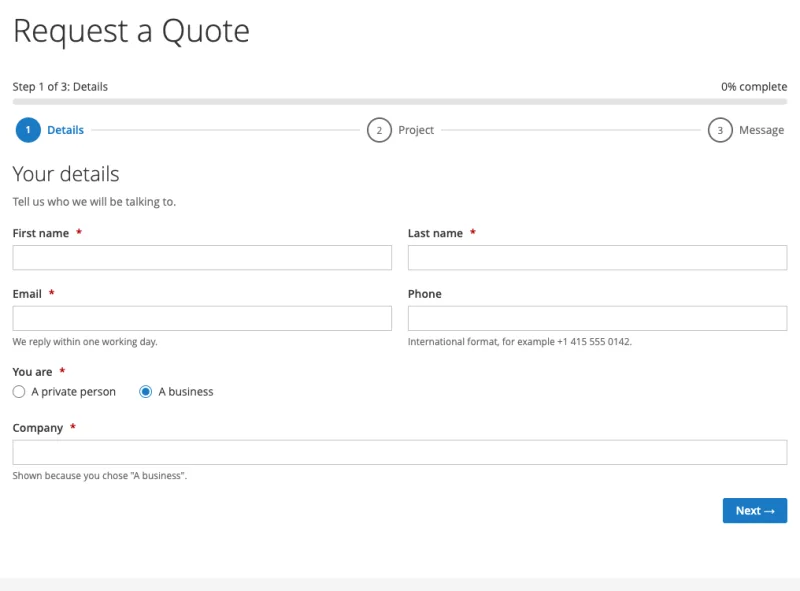
Try it yourself on the request-a-quote demo form.
Shoppers with a question about size, materials, compatibility or delivery often leave instead of searching for your contact page. A Magento 2 product enquiry form puts an "Ask About This Product" button below Add to Cart, or a tab next to Details and Reviews, so they can ask without leaving the page.
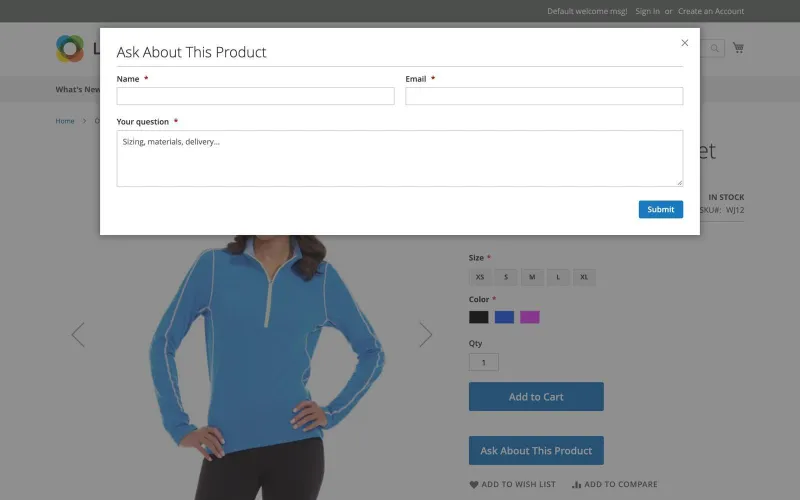
See it live on the enquiry button demo and the product tab demo.
Magento Open Source has no returns (RMA) module, so many stores handle returns by email and spend the first reply asking for the order number and a photo. A structured return request form collects that information up front.
Uploaded photos deserve care: they can contain personal data and even the location where they were taken. Custom Form Builder stores uploads outside the public web folder and re-saves images, which removes hidden EXIF data such as the camera location.
After a delivery, a short survey tells you what customers think while they still remember the order. Keep it to three or four questions so people finish it.
?utm_source=newsletter shows which email or campaign the answer came from.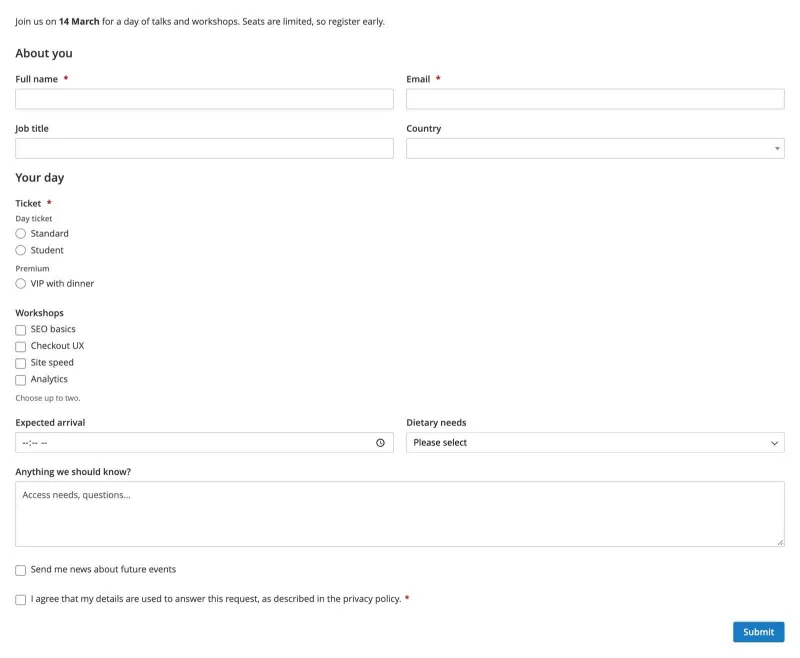
Other forms worth adding when your store needs them: event registration (see the event registration demo), trade or wholesale account applications, job applications with a CV upload and catalogue or sample requests.
There are two ways to add custom forms to Magento 2:
/forms/{code}), and choose the store views and customer groups.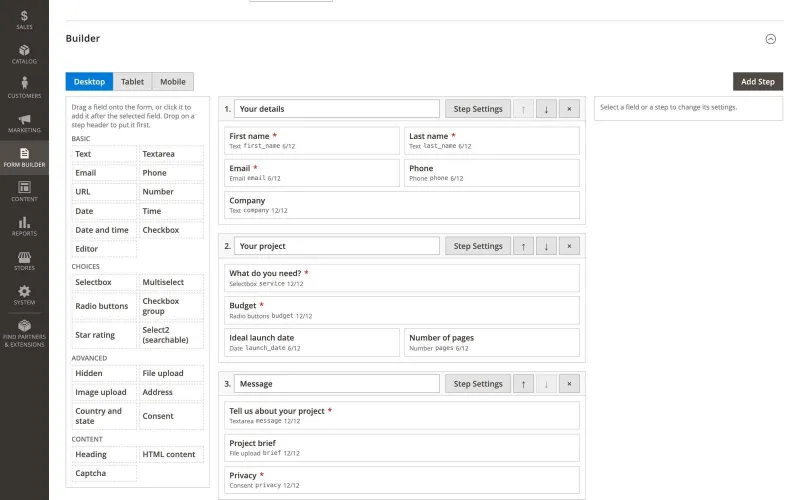
The Custom Form Builder user guide explains every setting.
Install a form builder extension, then create the form in the admin. With Custom Form Builder you add fields by drag and drop, save, and the form is live at /forms/{code} or wherever you place it with the widget.
Yes. In Content > Pages, edit the page, click Insert Widget, choose Magexweb Form and pick the form. The same works in CMS blocks.
The built-in contact form only sends an email; it does not keep the message in Magento. Custom Form Builder saves every submission in Form Builder > Submissions, with statuses, internal notes and CSV or Excel export, and can also email it.
Magento Open Source 2.4.7, 2.4.8 and 2.4.9, with PHP 8.2 to 8.5, on Luma, Blank and Luma-based themes.
More guides from the Magexweb blog.
What the built-in Magento 2 contact form does, how to add custom fields, and when a form builder extension is the better choice. With a side-by-side comparison.
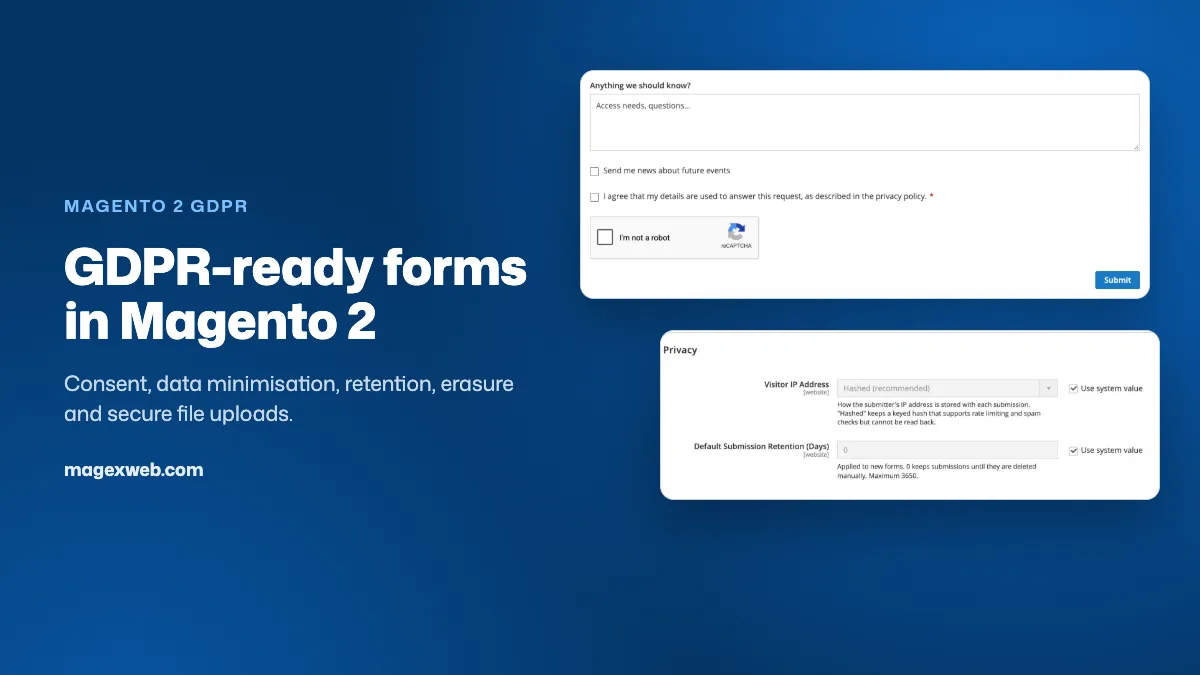
How to make Magento 2 forms GDPR-ready: consent checkboxes that record what was agreed, data minimisation, retention, erasure requests and secure file uploads.
A step-by-step guide to upgrading your store to the latest Magento 2 release, and why running an old version costs you.
Upgrades, security patches and platform moves are what we do every day. Tell us what your site needs, and we will reply with questions and next steps.
0 Comments
No comments yet. Be the first to comment.
Leave a Comment
Please sign in to comment. Sign in